

AlanLichty
Moderator
I stumbled across a new iPhone application from Adobe yesterday called Project Indigo that looks pretty interesting. It only works on iPhone 12 Pro and newer or iPhone 14 non-Pro or newer due to its computational intensity. Adobe is working on an Android version as well. The application uses controls that have the look and feel of a SLR/mirrorless camera using familiar values for shutter speeds, ISO, and manual focus while still harnessing fully the mechanics of computational photography with stacking up to 30 images and outputting DNG or JPEG (or both).
I only barely had enough light last night to run outside and grab a few shots to try it out but my initial impression is that this has some real promise when it comes to using my iPhone as a second camera. If I had to guess @Ken Rennie may have been using this for the waterfall shot he posted on Wednesday. When used with a tripod it allows for simulated exposures up to 1/30s for smooth water images.
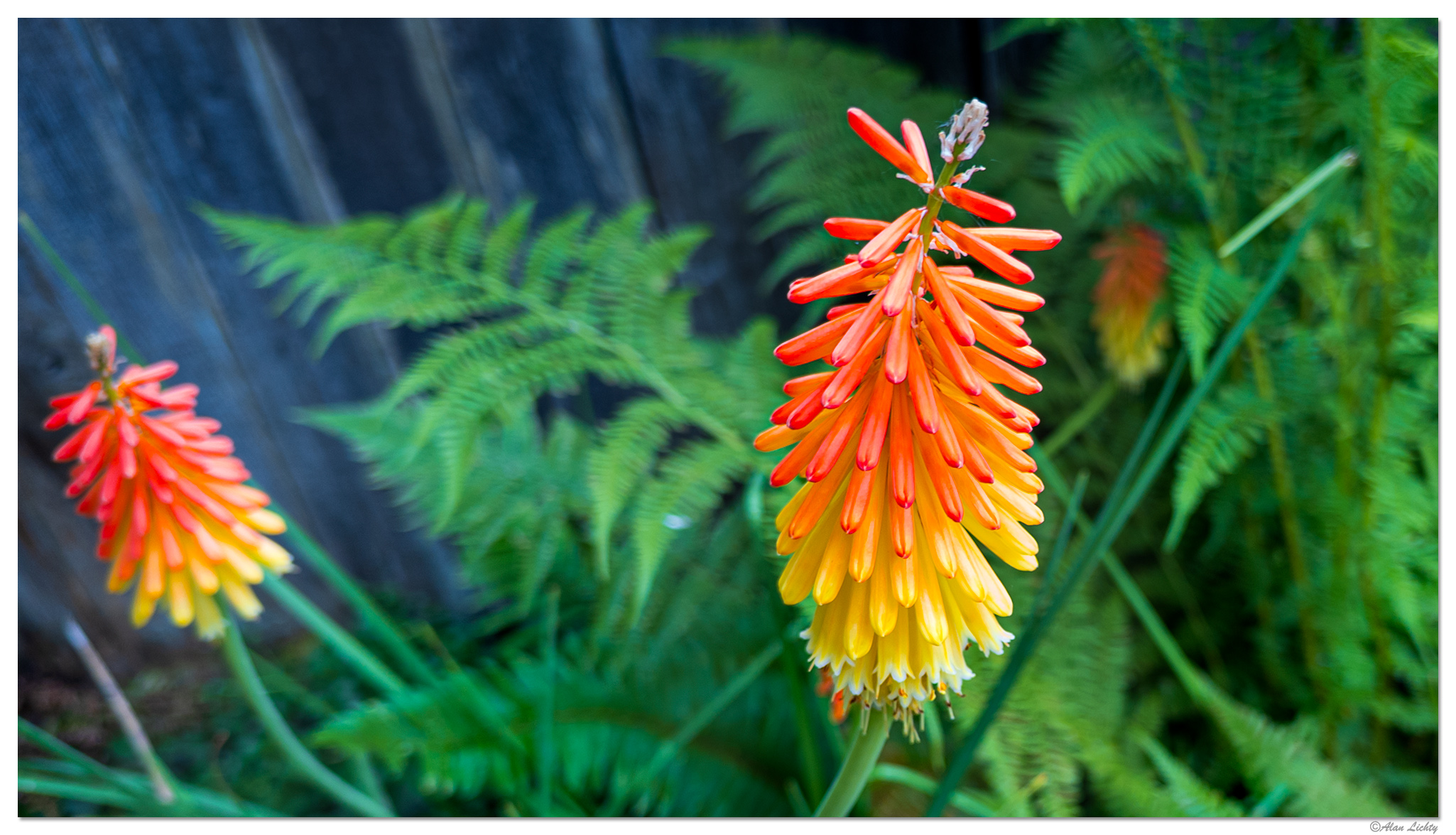
A quick test shot from last night with a Torch Lily as the subject:
If you are interested in more info about the technology preview (as Adobe describes it) you should read the article they published about it in the link at the top. Adobe is just getting started with where they want to take the technology behind this and it all goes far beyond anything I could easily summarize or would even want to try. If you are using Adobe's other applications on your iPhone (especially Lightroom) this camera application can feed directly into it and may get integrated into Lightroom Mobile in the future. I don't do image edits on my phone but had no trouble importing the images onto my computer where I had access to the embedded color profiles in the DNGs in Lightroom Classic.
I only barely had enough light last night to run outside and grab a few shots to try it out but my initial impression is that this has some real promise when it comes to using my iPhone as a second camera. If I had to guess @Ken Rennie may have been using this for the waterfall shot he posted on Wednesday. When used with a tripod it allows for simulated exposures up to 1/30s for smooth water images.
A quick test shot from last night with a Torch Lily as the subject:
If you are interested in more info about the technology preview (as Adobe describes it) you should read the article they published about it in the link at the top. Adobe is just getting started with where they want to take the technology behind this and it all goes far beyond anything I could easily summarize or would even want to try. If you are using Adobe's other applications on your iPhone (especially Lightroom) this camera application can feed directly into it and may get integrated into Lightroom Mobile in the future. I don't do image edits on my phone but had no trouble importing the images onto my computer where I had access to the embedded color profiles in the DNGs in Lightroom Classic.
