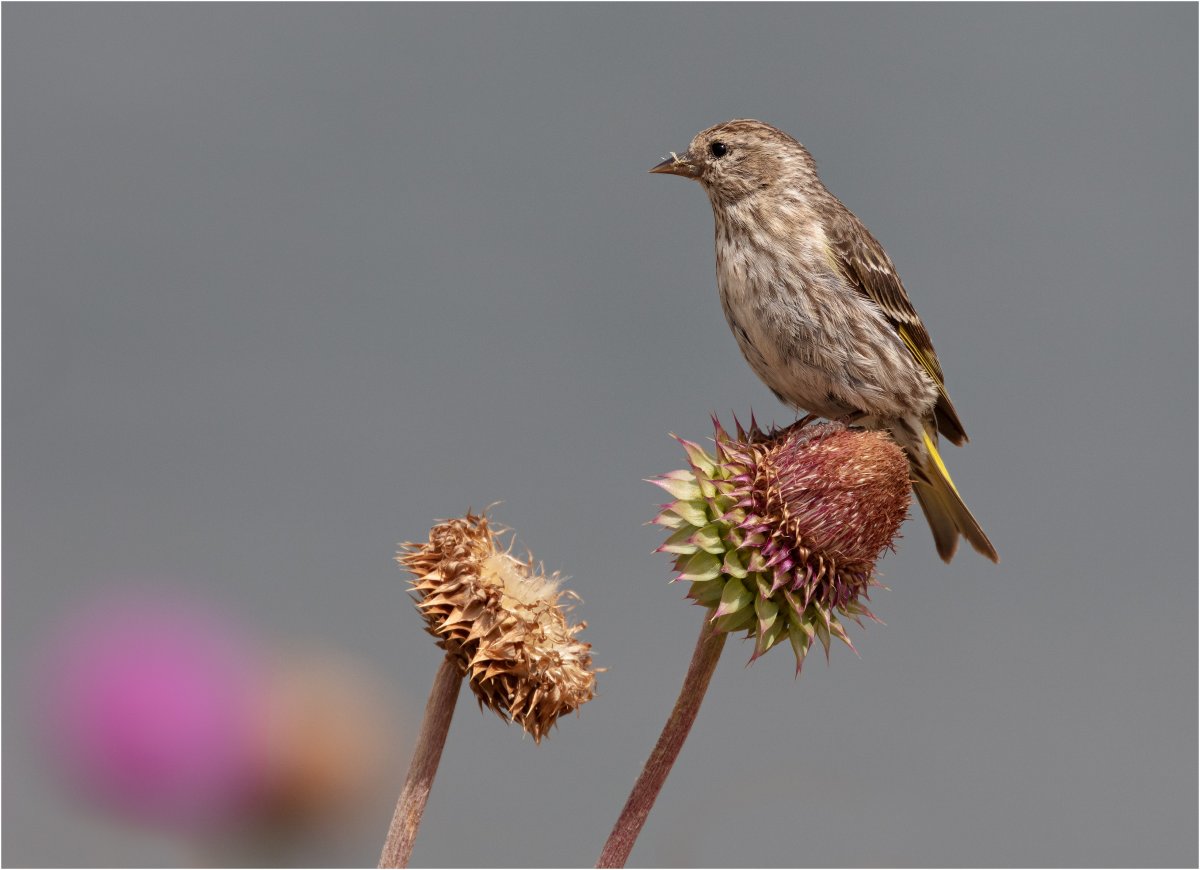
Like some critique of this house finch
- Thread starter Ben Egbert
- Start date

Thanks download the image and take a shot at it. This will allow lots of cropping.
Last edited:

Here you go Ben


Darcy Grizzle
Well-Known Member
Wow Jameel....awesome!
Wow indeed Jameel. You really blew this one up. Nice work.

Amy Nelson
Well-Known Member
This is what I saw in the image Ben.
Steps:
- moved the finch down into the flowers more
- softened up the flowers and masked out the finch
- cropped it
- and a few more minor steps
- added a vignetting
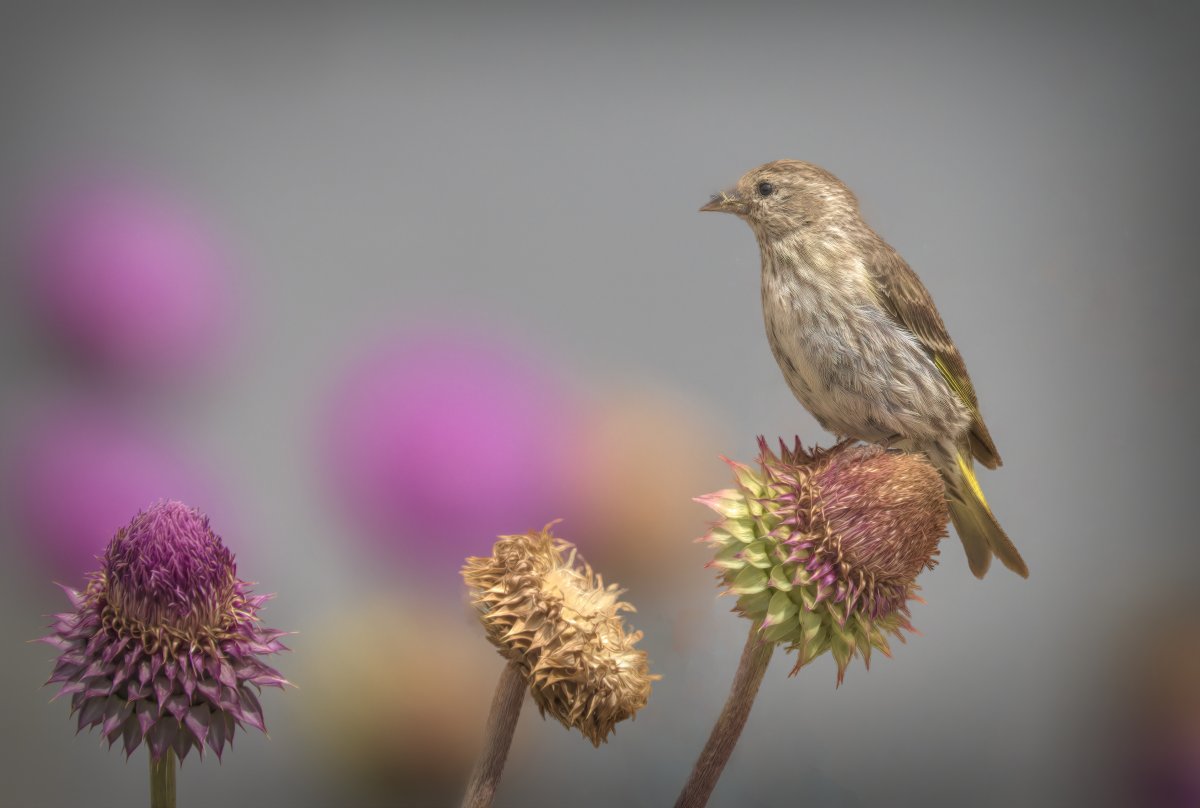
I really enjoy these Ben, it helps me look at things in a different way and also how I would approach in the field...Thank you!
Steps:
- moved the finch down into the flowers more
- softened up the flowers and masked out the finch
- cropped it
- and a few more minor steps
- added a vignetting
I really enjoy these Ben, it helps me look at things in a different way and also how I would approach in the field...Thank you!
Thanks Amy, this is a great edit, and gives me other ways to see this image.

rfkiii
Well-Known Member

Thanks a lot Rick this is another great way to look at it. I like how the background is dark and the bird and flower are bright, sort of like a spotlight was on them
Hey Darcy, why not try your hand?Wow Jameel....awesome!

AlanLichty
Moderator
OK - laptop edit alert flags out but I gave it a shot anyway:
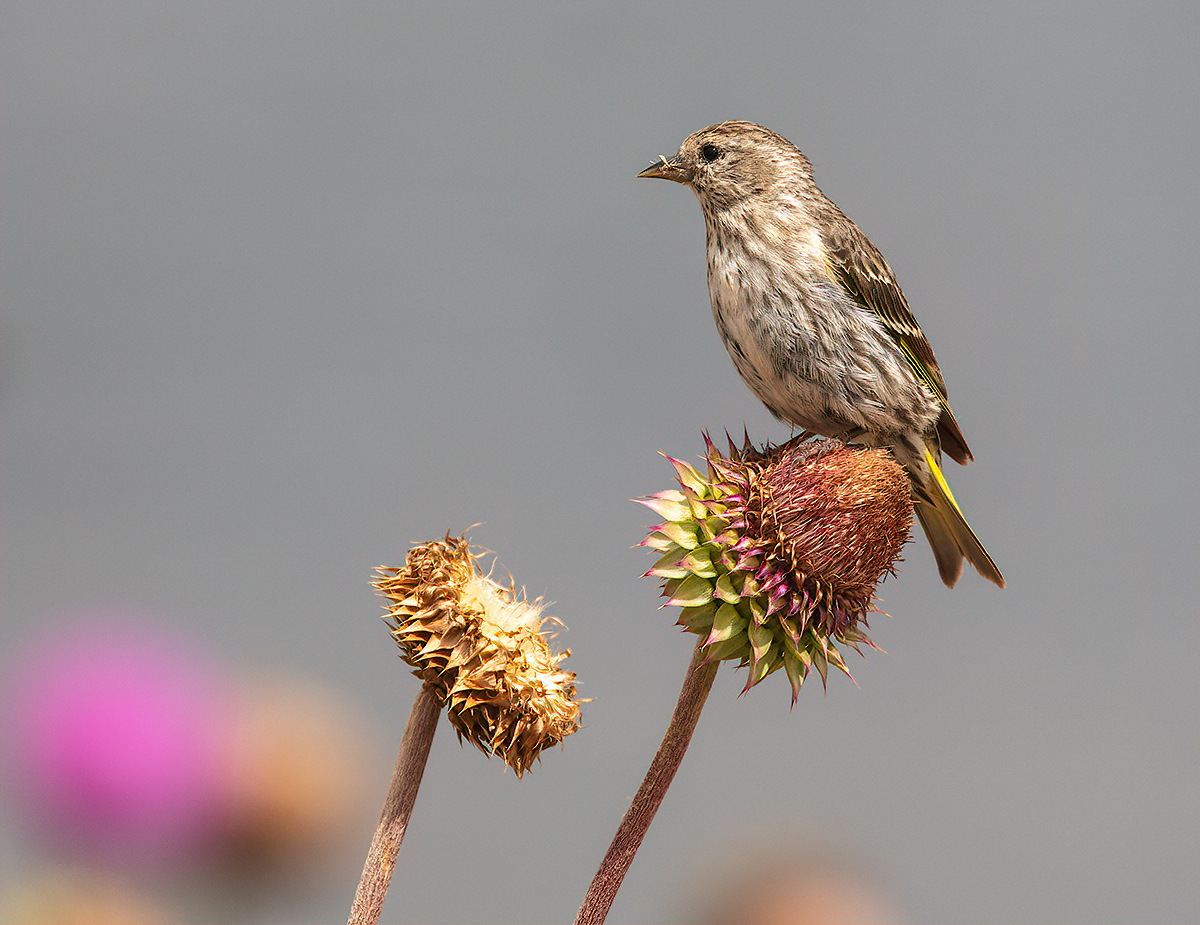
I liked the soft outlines of the other thistle flowers in the background and left a few in the image just for effect.
I liked the soft outlines of the other thistle flowers in the background and left a few in the image just for effect.
Wow Alan you really got some color and pop here. I really like it
Darcy Grizzle
Well-Known Member
Wow when I de-hazed it I got this greenish background, which I actually like. I also like the elements of the other flowers in this Ben! That was fun!
Thanks Darcy. How did you like working with a raw? This is a really nice job

Mike Lewis
Staff Member
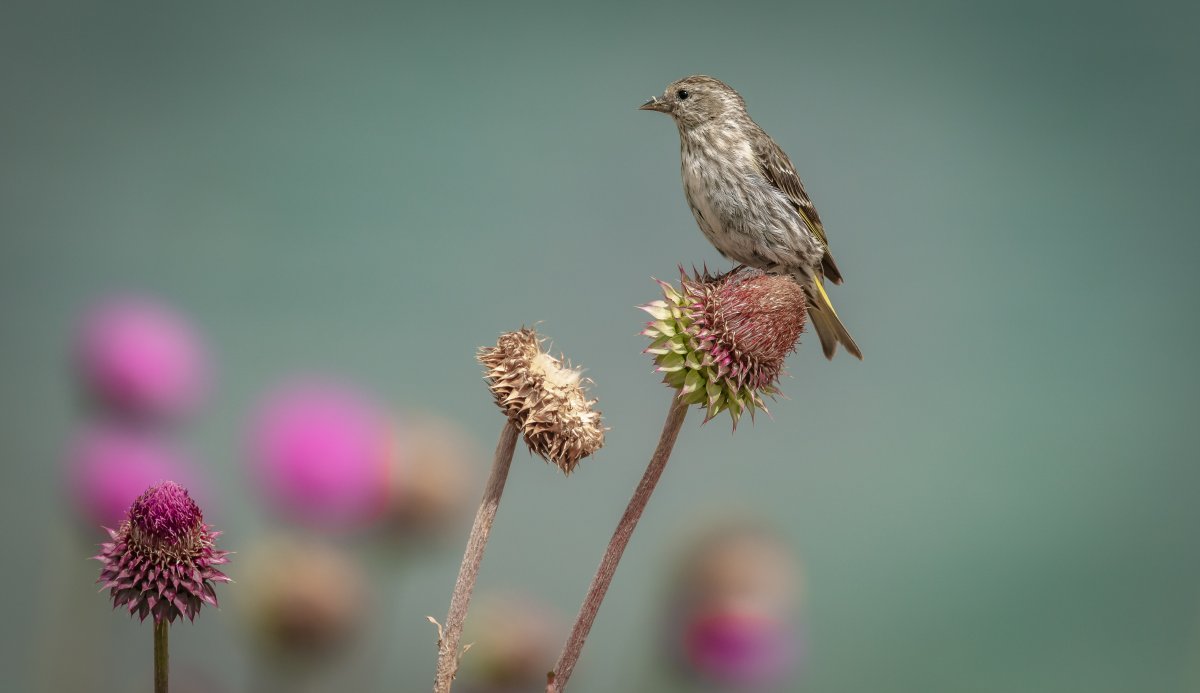
Late to the party on this one, but here is my take (all edits performed in Lightroom
 Classic CC):
1) I thought the background color looked strange (although without knowing what the background actually was, who's to say?) But I tweaked it to a more blue type cooler look
2) cropped to accentuate the bird and lose some of the featureless background. I also found the pink blossoms that are way OOF to be distracting, so cropped those out too. Of course, the 5DSr can take some serious cropping.
3) added some clarity, a little vibrance, and a little contrast while dropping the blacks some
4) added a tweak of dehaze, that serves to bring the blue background up a little more
5) Used the HSL tool to get the hue on the background looking less magenta
6) sharpened some, after masking the background to avoid adding noise there
7) added a very small amount of NR in the luminance
8) exported, with low sharpening for screen
ML
1) I thought the background color looked strange (although without knowing what the background actually was, who's to say?) But I tweaked it to a more blue type cooler look
2) cropped to accentuate the bird and lose some of the featureless background. I also found the pink blossoms that are way OOF to be distracting, so cropped those out too. Of course, the 5DSr can take some serious cropping.
3) added some clarity, a little vibrance, and a little contrast while dropping the blacks some
4) added a tweak of dehaze, that serves to bring the blue background up a little more
5) Used the HSL tool to get the hue on the background looking less magenta
6) sharpened some, after masking the background to avoid adding noise there
7) added a very small amount of NR in the luminance
8) exported, with low sharpening for screen
ML

Hey Amy, I like what you were going for and I like all of it except the finch seems softened too. Did you somehow not mask it out from the softening? Get that finch sharper and this will be really sweet.This is what I saw in the image Ben.
Steps:
- moved the finch down into the flowers more
- softened up the flowers and masked out the finch
- cropped it
- and a few more minor steps
- added a vignetting
View attachment 14563
I really enjoy these Ben, it helps me look at things in a different way and also how I would approach in the field...Thank you!
Alan, don't tell anyone but I like your edit best so far.OK - laptop edit alert flags out but I gave it a shot anyway:
View attachment 14586
I liked the soft outlines of the other thistle flowers in the background and left a few in the image just for effect.

Hey Mike, pretty cool work here, thanks for listing the steps. The only thing I see is there is a magenta cast on the finch, I would pull that out if it was mine.Late to the party on this one, but here is my take (all edits performed in LightroomView attachment 14590 Classic CC):
1) I thought the background color looked strange (although without knowing what the background actually was, who's to say?) But I tweaked it to a more blue type cooler look
2) cropped to accentuate the bird and lose some of the featureless background. I also found the pink blossoms that are way OOF to be distracting, so cropped those out too. Of course, the 5DSr can take some serious cropping.
3) added some clarity, a little vibrance, and a little contrast while dropping the blacks some
4) added a tweak of dehaze, that serves to bring the blue background up a little more
5) Used the HSL tool to get the hue on the background looking less magenta
6) sharpened some, after masking the background to avoid adding noise there
7) added a very small amount of NR in the luminance
8) exported, with low sharpening for screen
ML

Ken Rennie
Well-Known Member
What a lovely lens this 100-400 is. If Nikon had one as good I woud be tempted to get it. Lovely shot Ben and I have not done much to it a fair bit of local sharpening and a touch of saturation. I did start removing and moving bits of foliage but then cropped that part out so just your original almost. Ken