

AlanLichty
Moderator
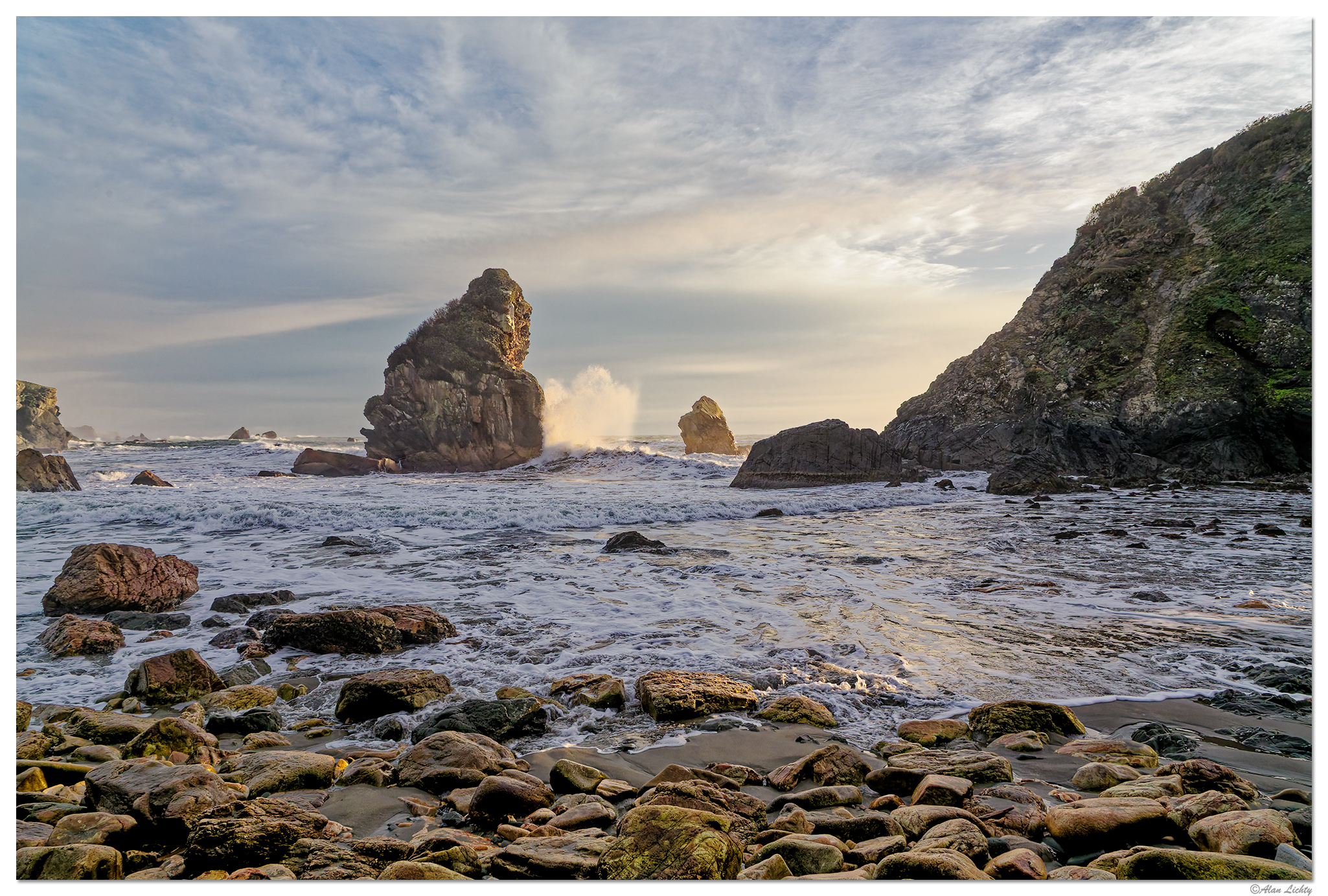
I have been fiddling around with a trial copy of DxO's PhotoLab 9 and looking around for captures that had difficult light and found this image from Harris Beach State Park. One of the things that PhotoLab can do well is balance extreme light using spot targets you flag to identify the range of light to adjust. I typically pick out the darkest and brightest areas in the scene along with a few areas in the mid range before moving the intensity slider for the adjustment. The software does include the the same DeepPrime 3 denoise tool that is in the PureRAW 5 tool which also helps clean up the image. In my use case I call PhotoLab up from Adobe Lightroom as an alternative to using DxO's PureRAW and then export the RAW DNG from PhotoLab back into Lightroom for further edits. For the record I am still not seeing large benefits from PhotoLab 9 over my copy of PhotoLab 8 for how I use this application.
In this case I was shooting in the shadow of Arch Rock with late afternoon light that had bright areas in direct light so a very wide range of light to balance. The exposure was for the bright areas to avoid blowing out the highlights but the shadows were very dark and at the limits of what Adobe's tools could gracefully handle. The combination of PhotoLab and Lightroom did a pretty good job of restoring the light in the scene that I saw when I was shooting that afternoon.
C&C always welcome.
In this case I was shooting in the shadow of Arch Rock with late afternoon light that had bright areas in direct light so a very wide range of light to balance. The exposure was for the bright areas to avoid blowing out the highlights but the shadows were very dark and at the limits of what Adobe's tools could gracefully handle. The combination of PhotoLab and Lightroom did a pretty good job of restoring the light in the scene that I saw when I was shooting that afternoon.
C&C always welcome.

