Mike Lewis
Staff Member
So a little backstory is in order.
I have never posted here, it is not normally my style or the way my mind thinks about my photography. But recently I have been readingf a thought provoking book (if you are an astrophotographer like me) and I decided to try something.
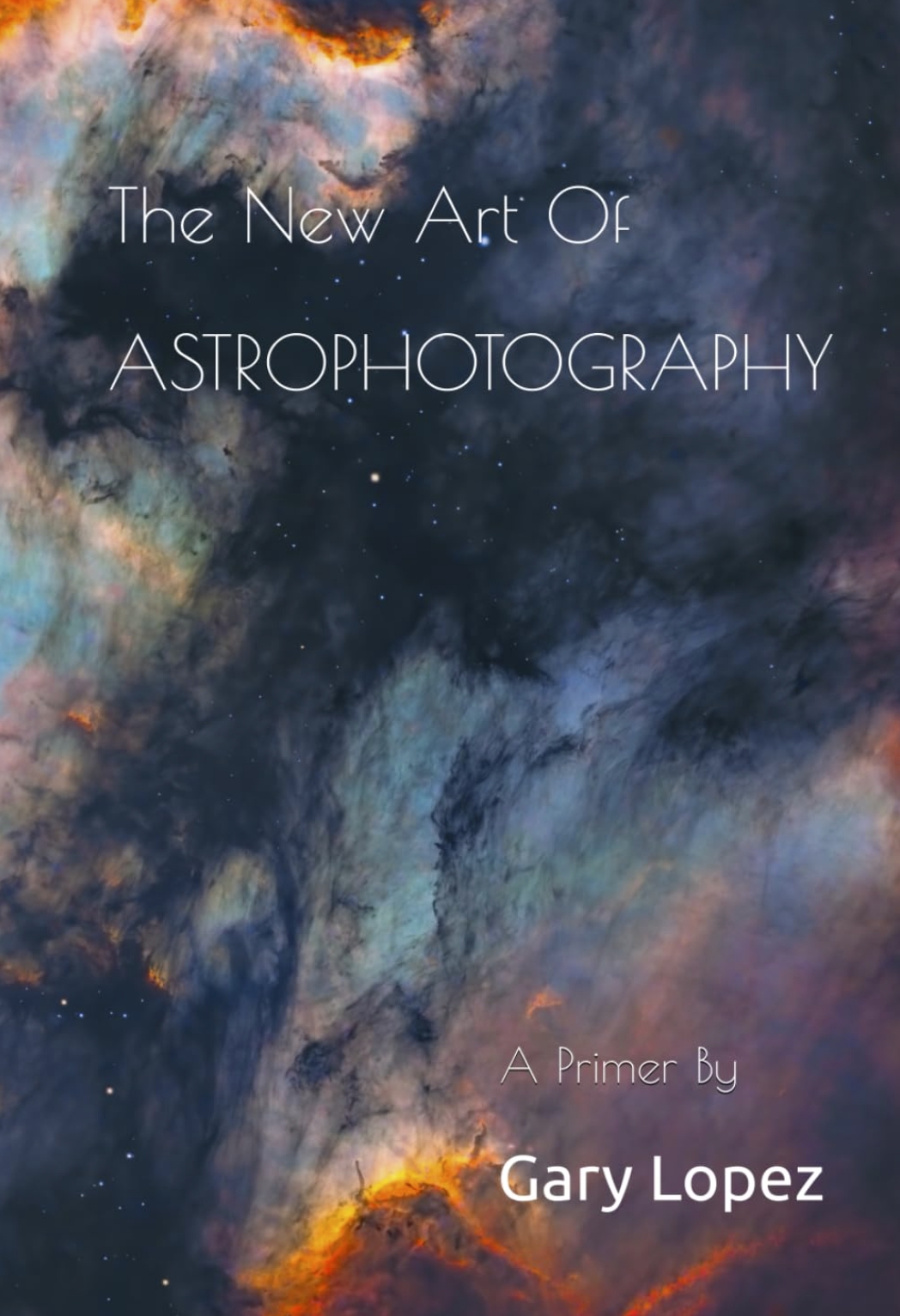
The book is this one - I can highly recommend it if the topic is of interest to you:
That inspired me to take this existing image:

And say, 'Well, what would a 'Van Gogh Style' version of something like this look like? So with some star removal and cropping to remove some of the negative space I came up with this, which I like to call, 'Van Gogh Astro'
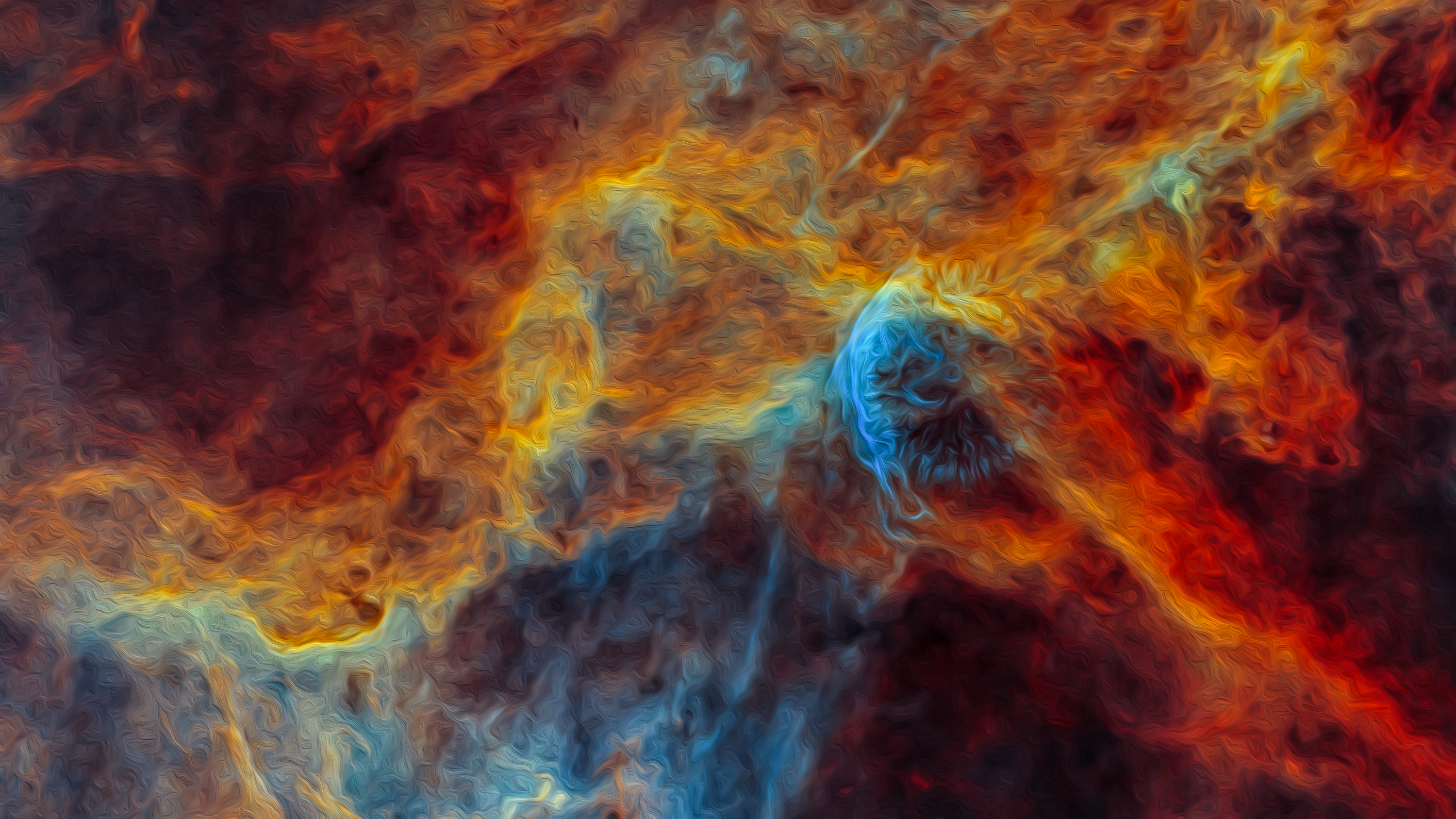
I tried a couple more astro images using this technique but I think this one, with its very bright colors that cover most of the frame really worked the best. Anyway, a fun exercise and perhaps a fun image as well? Comments are welcome (especially since the artist whose style we are emulating is dead now ).
).
ML
I have never posted here, it is not normally my style or the way my mind thinks about my photography. But recently I have been readingf a thought provoking book (if you are an astrophotographer like me) and I decided to try something.
The book is this one - I can highly recommend it if the topic is of interest to you:
That inspired me to take this existing image:
And say, 'Well, what would a 'Van Gogh Style' version of something like this look like? So with some star removal and cropping to remove some of the negative space I came up with this, which I like to call, 'Van Gogh Astro'
I tried a couple more astro images using this technique but I think this one, with its very bright colors that cover most of the frame really worked the best. Anyway, a fun exercise and perhaps a fun image as well? Comments are welcome (especially since the artist whose style we are emulating is dead now
).ML