
I have developed an AutoIntegrate.js script that automates basic processing steps in PixInsight. Script takes calibrated image files, runs a basic PixInsight workflow and produces an (almost) final image. It works with both RGB and narrowband (HSO) data. Also camera RAW files can be used.
I think the script could be useful for someone just starting out with PixInsight and wanting an easy start before learning all the processes needed to create an image. It also suits well for lazy people like me . For best results you obviously need careful manual processing as described in many good PixInsight tutorials.
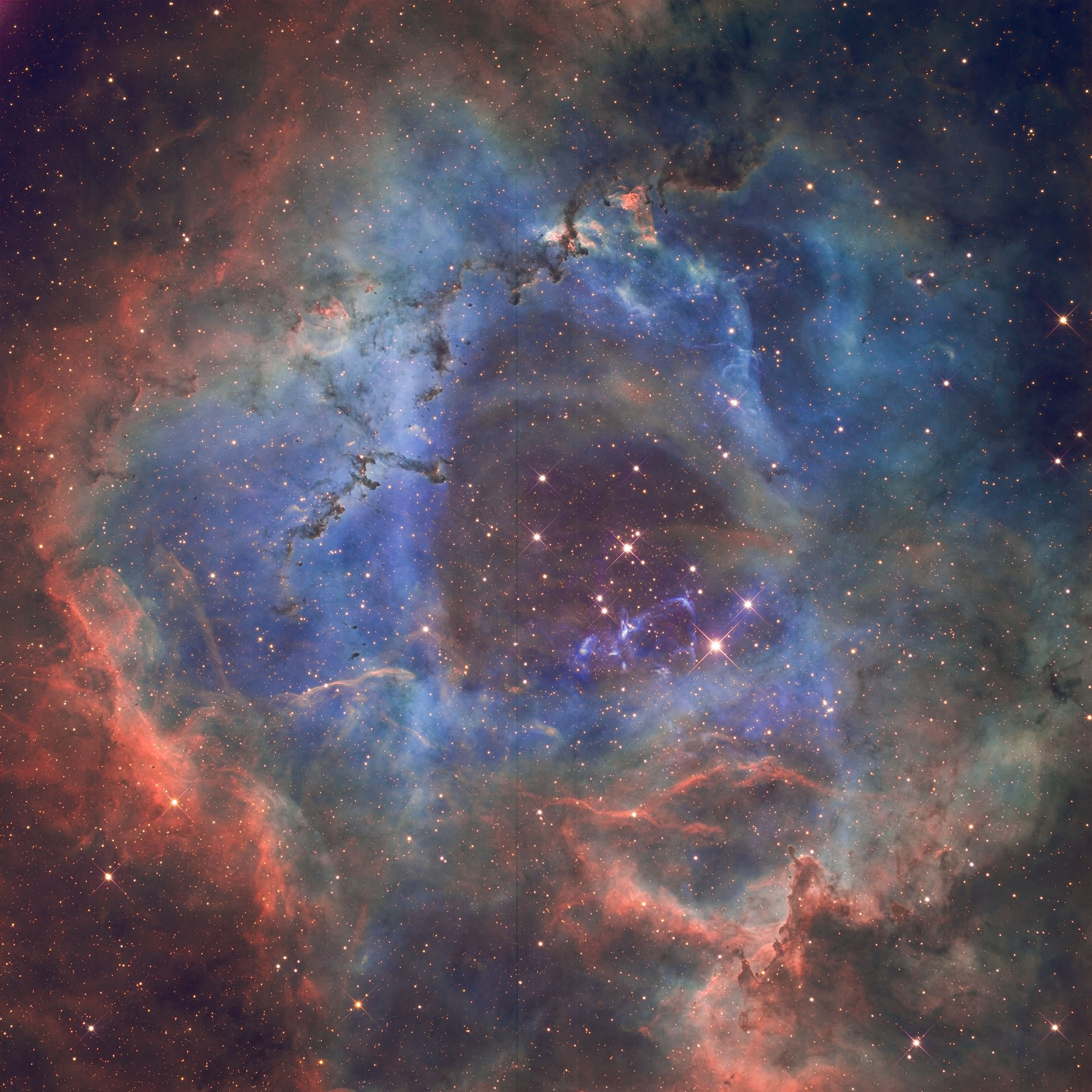
I have attached two images that are created with AutoIntegrate script without any manual processing. Obviously you would like to further enhance them for example in PixInsight or Photoshop.
I have developed the script for my own use but I am sharing it in case someone else might find it useful. If you have any improvement ideas or if you find any problems please let me know!
I have more information and download link here: https://ruuth.xyz/AutoIntegrateInfo.html.
I have also a short YouTube video of the workflow: https://www.youtube.com/watch?v=ONmY5VHPTVo
Image 1: Trifid Nebula, AutoIntegrate default processing was used for this image. Image data from Telescope Live.
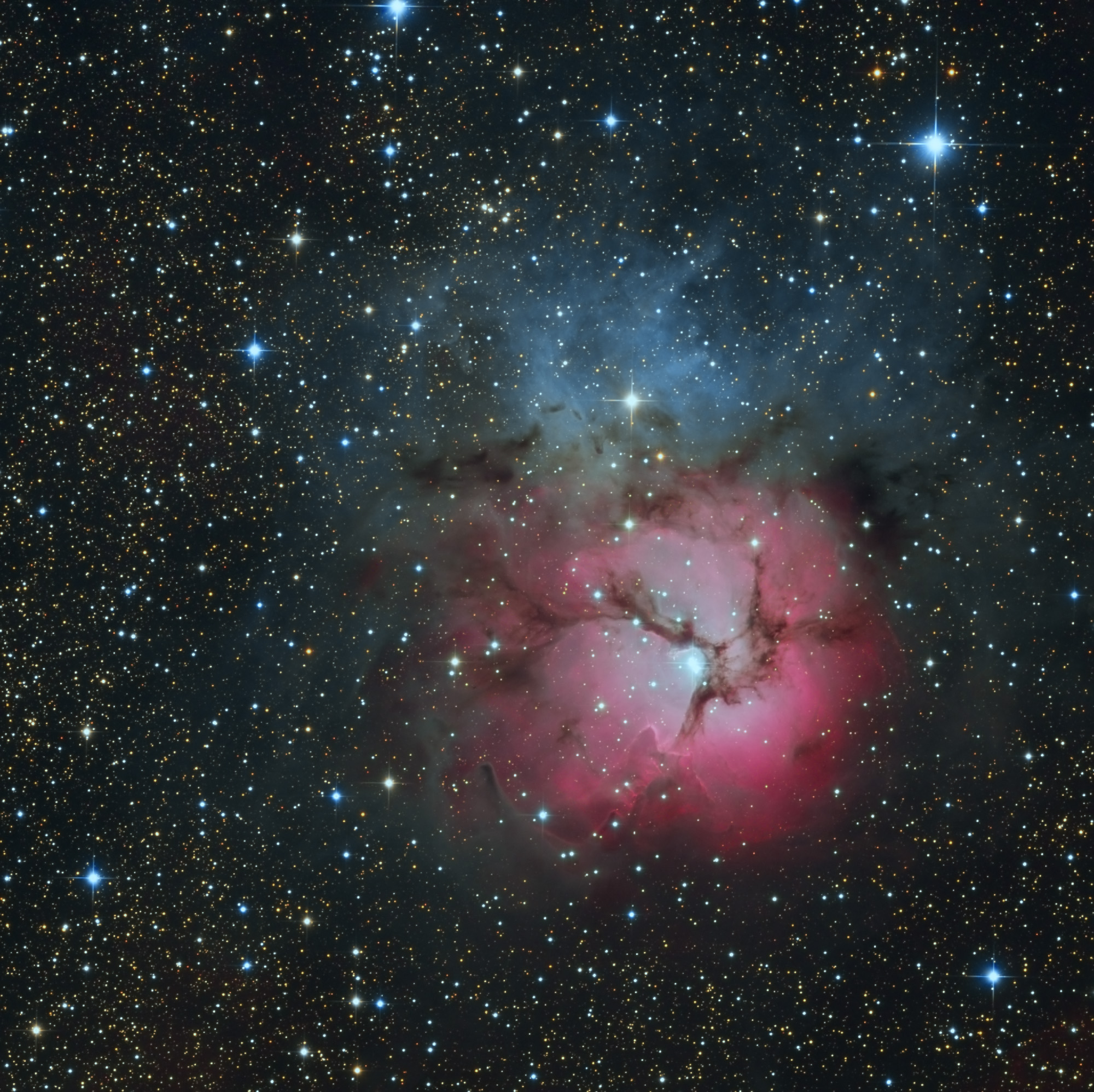
Image 2: Rosette Nebula, AutoIntegrate default process with some extra options was first run on this image and then the final image was created using Adobe Camera Raw Auto option. Image data from Telescope Live.
I think the script could be useful for someone just starting out with PixInsight and wanting an easy start before learning all the processes needed to create an image. It also suits well for lazy people like me
. For best results you obviously need careful manual processing as described in many good PixInsight tutorials.I have attached two images that are created with AutoIntegrate script without any manual processing. Obviously you would like to further enhance them for example in PixInsight or Photoshop.
I have developed the script for my own use but I am sharing it in case someone else might find it useful. If you have any improvement ideas or if you find any problems please let me know!
I have more information and download link here: https://ruuth.xyz/AutoIntegrateInfo.html.
I have also a short YouTube video of the workflow: https://www.youtube.com/watch?v=ONmY5VHPTVo
Image 1: Trifid Nebula, AutoIntegrate default processing was used for this image. Image data from Telescope Live.
Image 2: Rosette Nebula, AutoIntegrate default process with some extra options was first run on this image and then the final image was created using Adobe Camera Raw Auto option. Image data from Telescope Live.


