

This is another share from Jim. I can't tell if it is before sunrise or after sunset. but the foreground was black as received.
I used my own processing on this, starting with DXO. I then used auto in ACR to get a starting point, and adjusted shadows to 100% and cut back white.
In photoshop I used a Topaz action I have to add some contrast and clarity and boost colors a bit. I then added a curves layer to further brighten the foreground.
I have latitude for more brightening but stopped because I thought this probably represented view as seen in person
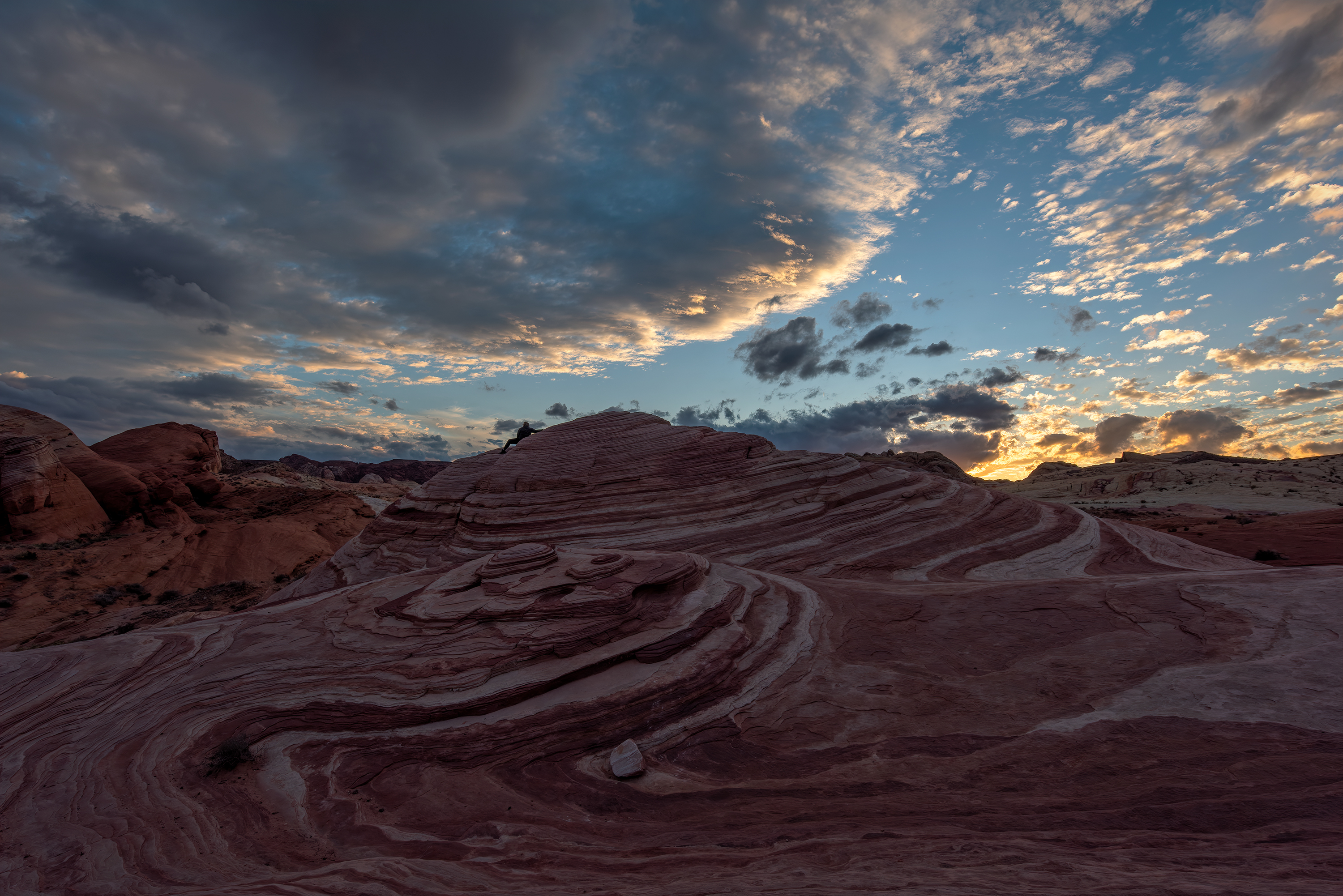
Brightened foreground, cloned out person)
.

I used my own processing on this, starting with DXO. I then used auto in ACR to get a starting point, and adjusted shadows to 100% and cut back white.
In photoshop I used a Topaz action I have to add some contrast and clarity and boost colors a bit. I then added a curves layer to further brighten the foreground.
I have latitude for more brightening but stopped because I thought this probably represented view as seen in person
Brightened foreground, cloned out person)
.
Last edited:


