
Darcy Grizzle
Well-Known Member
ah hah, got it! Yes those directions work for me Ben. I picked this picture as I keep going back to re-edit it & i just can't get it how I want it & am ready to delete it. hahahah.

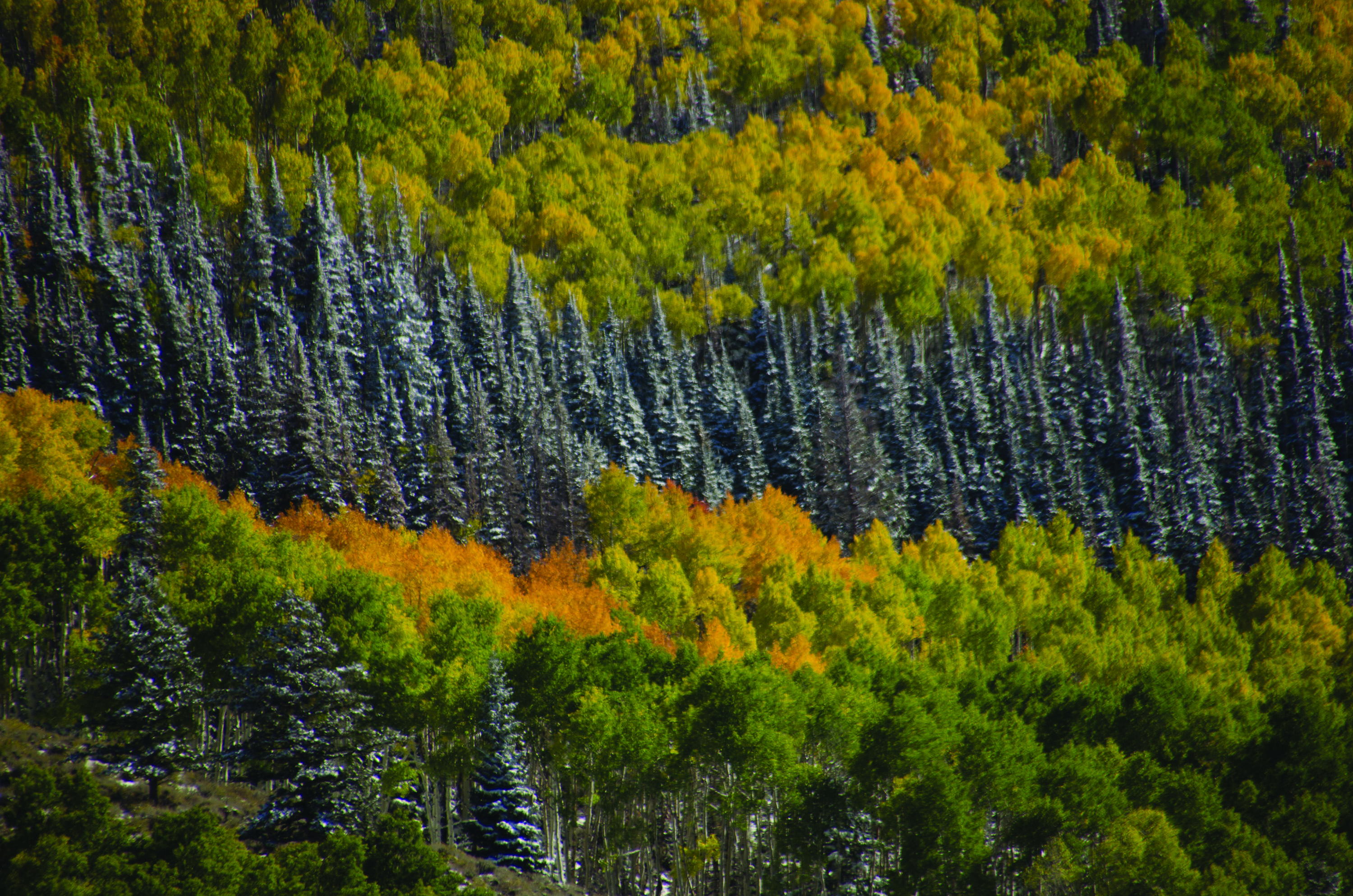


.......I didn't select it in ACR. I opened my raw in Photoshop, changed the size to 3000. Checked the mode to make sure it was on 8bits, checked the Color Profile & it said SRGB, saved it as a jpg. Embedded into the gallery and the critique forum.Hey Darcy,
What Color Profile is your camera set to? I would recommend Adobe sRGB.....yep checked it last night & that is what it is set on
In Photoshop the Color Profile can get changed in the Edit Menu with either "Assign Profile" or "Convert to Profile". Are you selecting either of those? Somewhere you selected the CYMK, can you remember where? ...nope as I never change my color profile. Is it happening for all of your photos?.... nope not happening on all of them...I checked some other nef's last night in lightroom by clicking edit in photoshop and checked all the profiles & they were all SRGB.
As to Landscape Mode, you shouldn't be applying any kind of presets when you load your Raw photos into ACR. You want to work with the Raw image you took, not your Raw image that now contains someone elses predefined adjustments, which is what you are doing when you select Landscape Mode.